Build a Professional Resume for Free Using These Two Websites
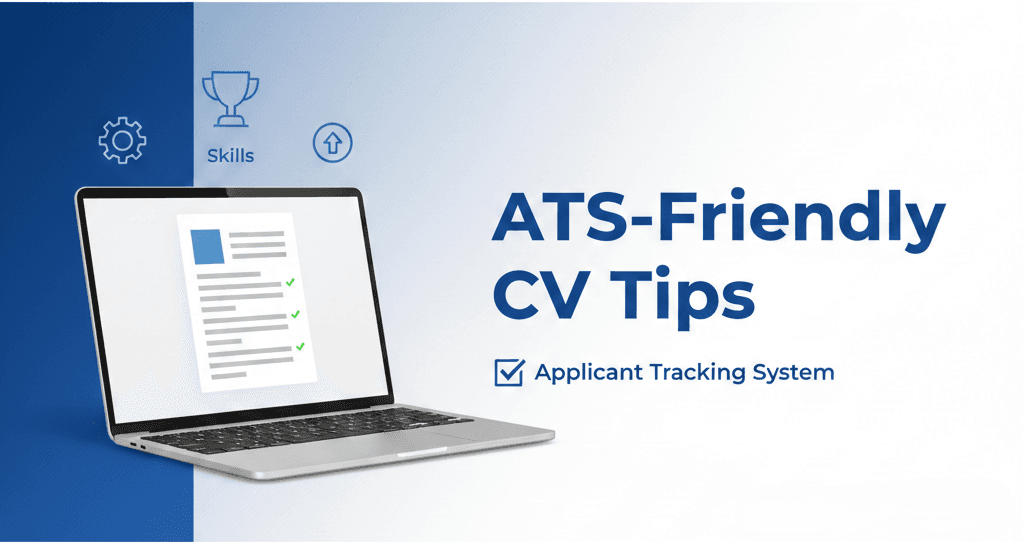
Your resume is often the very first impression a recruiter has of you — and you usually get only a few seconds to make it count. On top of that, most companies now run applications through an Applicant Tracking System (ATS) that scans your resume before a human ever sees it. The good news is that creating a clean, modern, ATS-friendly resume doesn't need to be complicated or expensive.
Today, there are powerful online tools that help you design a polished, job-ready resume for free. In this guide, I will walk you through two excellent platforms, show you how to use each one, and share tips to make your resume stand out:
- ResumeForFree — a simple, fast resume builder with clean templates.
- FlowCV — a modern resume builder with beautiful layouts and rich customization.
1. ResumeForFree.com – Build a Resume in Minutes
ResumeForFree is one of the easiest and fastest free resume builders available. It's perfect if you want a resume without complicated settings or unnecessary steps. There are no paywalls hiding your download at the last moment, which is a common frustration with other “free” builders.
Key Features:
- Completely free with no sign-up required
- Very simple interface
- Basic clean template suitable for most jobs
- Download as PDF instantly
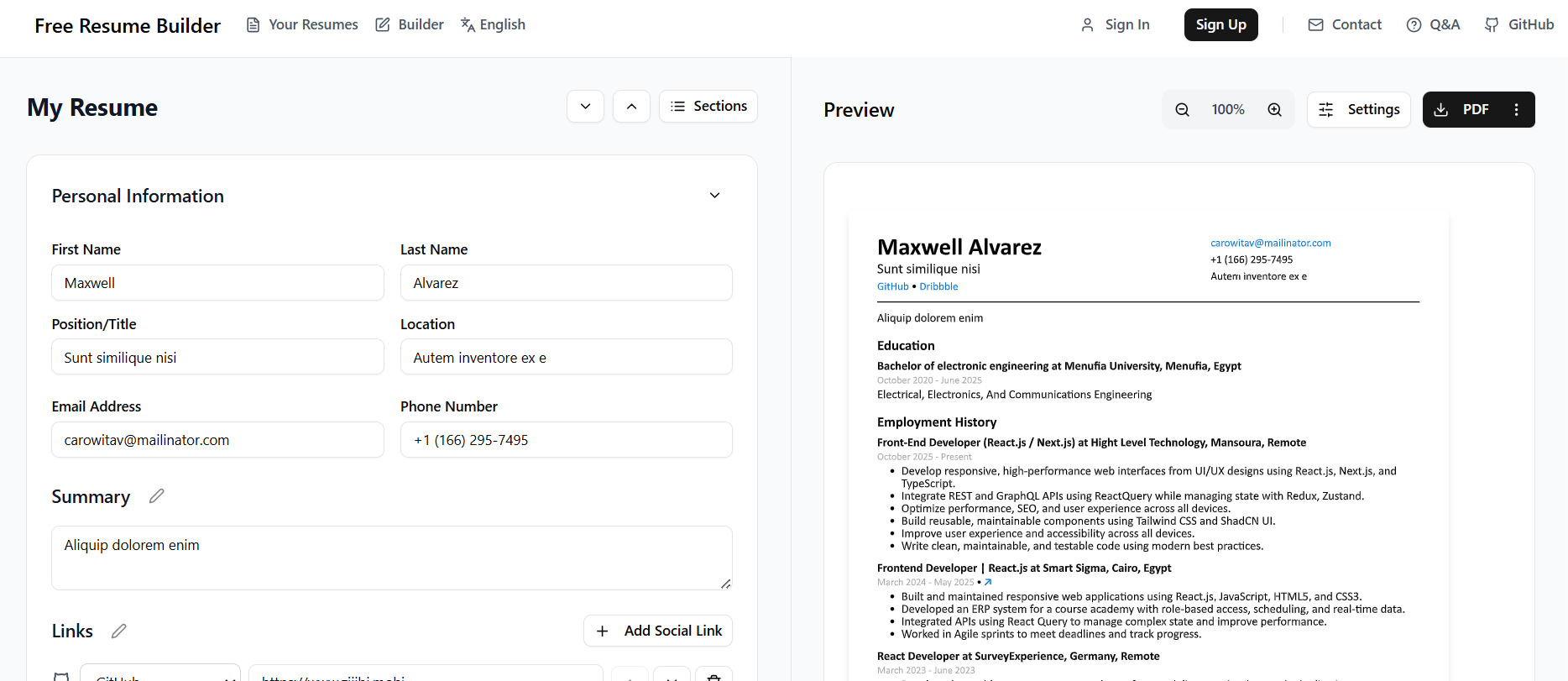
How to use ResumeForFree:
- Open the builder and start with the default template.
- Fill in your contact details, work experience, education, and skills.
- Keep bullet points short and focused on results.
- Click download to export a clean PDF instantly — no account needed.
Who is it for?
ResumeForFree is ideal if you want a resume quickly and prefer a minimal, straightforward design. It's a great choice for students, first-time applicants, and anyone who needs a solid, no-fuss resume in under ten minutes.
2. FlowCV – Modern Resume Builder With Great Templates
FlowCV is one of the most popular online resume builders because it offers high-quality, well-designed templates and a smooth editing experience. If you care about how your resume looks — fonts, spacing, and layout — FlowCV gives you far more control than most free tools.
Key Features:
- Beautiful, modern templates
- Drag-and-drop customization
- Free PDF export
- Option to create cover letters as well
- Supports sections like skills, certifications, projects, languages, etc.
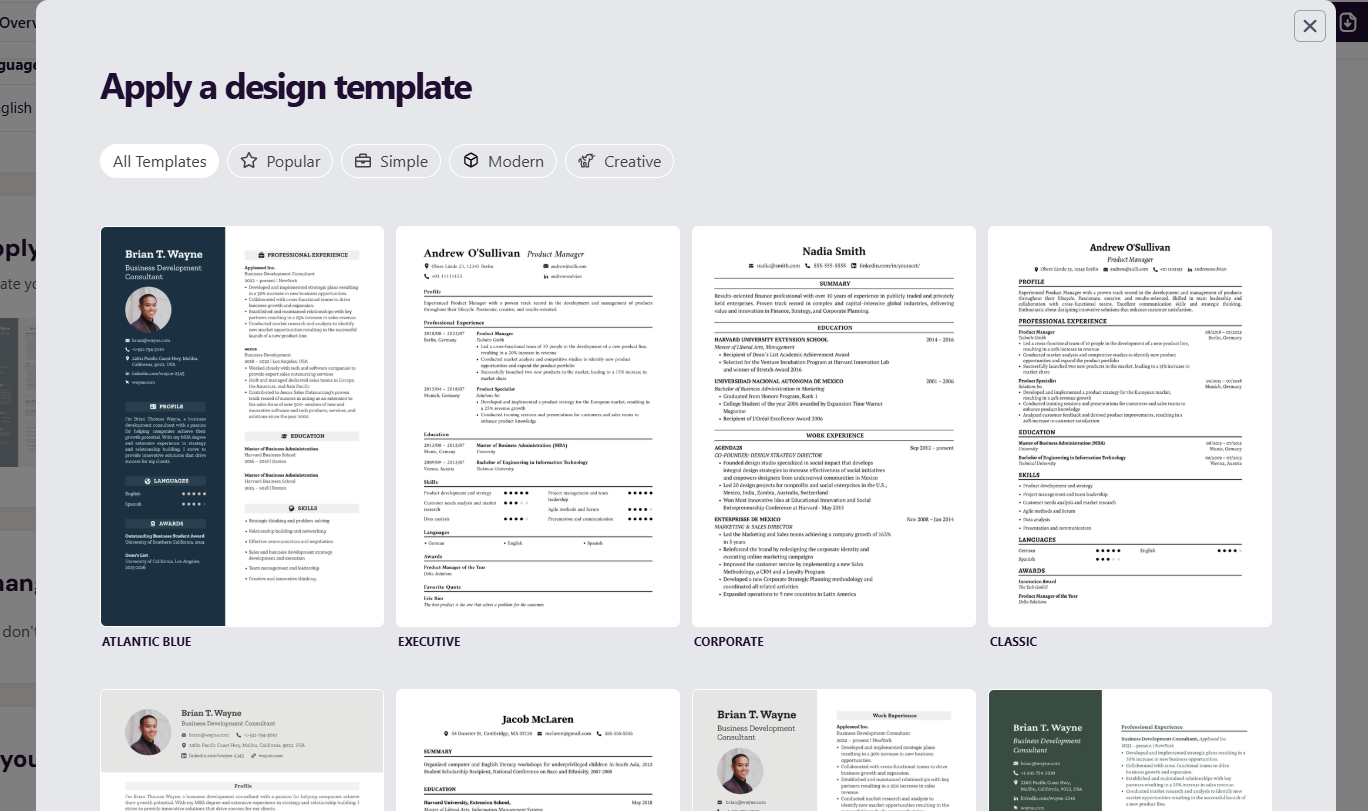
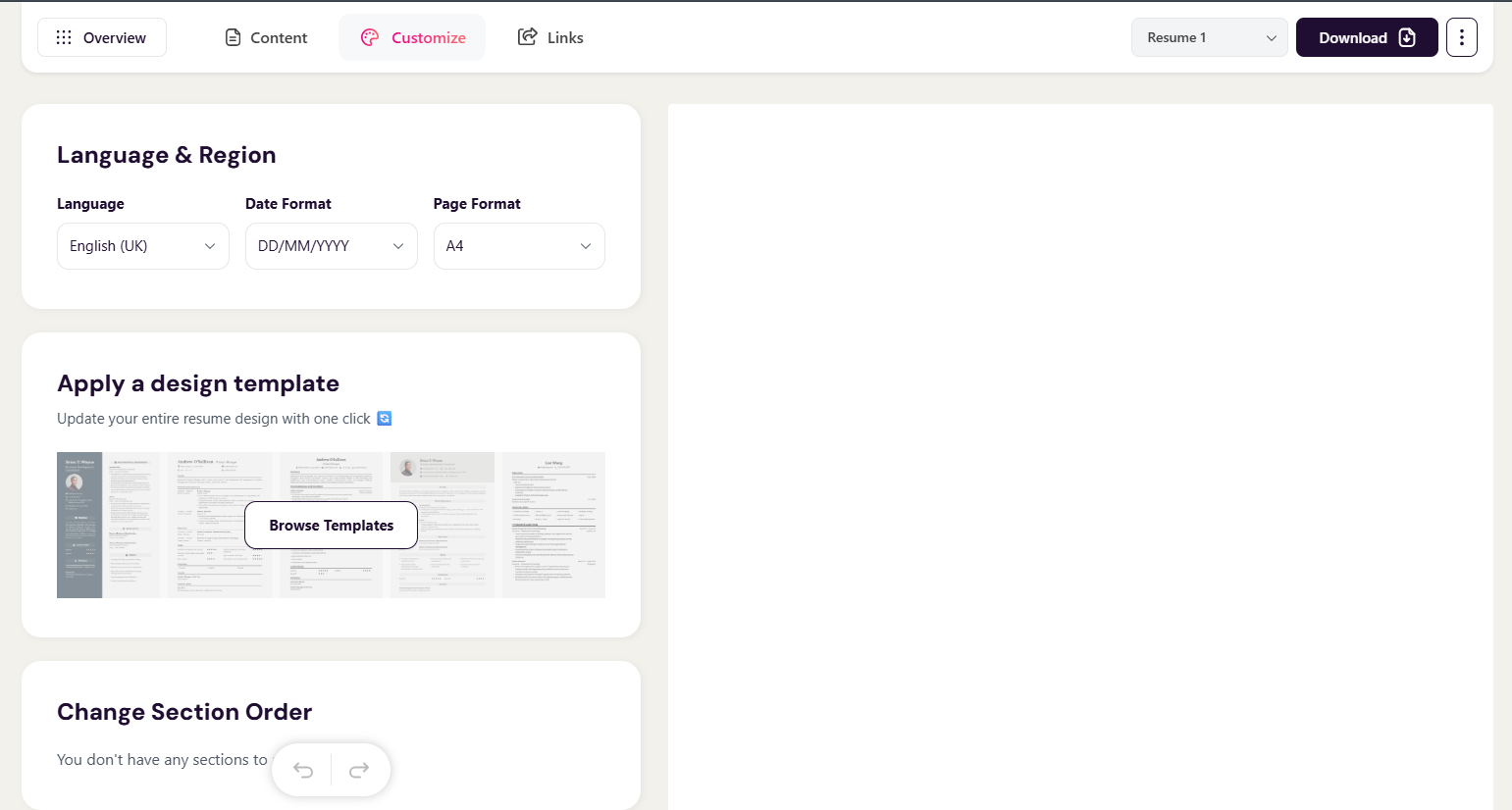
How to use FlowCV:
- Create a free account and pick a template you like.
- Add your sections — experience, education, skills, projects, and languages.
- Adjust the layout, spacing, and accent color to match your style.
- Export to PDF, and optionally build a matching cover letter.
Who is it for?
FlowCV is perfect if you want a visually impressive resume and more control over layout, colors, fonts, and structure. It suits designers, developers, and professionals who want their resume to look modern and memorable.
Which One Should You Use?
- Use ResumeForFree if you want something fast, simple, and minimal.
- Use FlowCV if you want a more stylish, customized, modern resume.
You can also try both and compare which one matches your job application. Many people build a quick version in ResumeForFree and then create a more polished one in FlowCV for roles they really want.
Are These Resumes ATS-Friendly?
Both tools export clean, text-based PDFs, which is exactly what an ATS prefers. To stay ATS-friendly, avoid heavy graphics, columns that scramble reading order, and images of text. Use standard section titles like “Experience,” “Education,” and “Skills,” and save the file as a PDF unless the job posting asks for a Word document.
Common Resume Mistakes to Avoid
- Using one generic resume for every job instead of tailoring it.
- Listing responsibilities instead of measurable achievements.
- Cramming everything onto the page with tiny fonts and no white space.
- Typos and inconsistent formatting — always proofread before sending.
- Adding a photo or graphics that confuse ATS parsers (unless the role specifically expects it).
Final Tips for a Strong Resume
- Use clear job titles and measurable achievements.
- Keep it to one page unless you have 5+ years of experience.
- Customize your resume for each job application.
- Use simple language and action verbs.
- Make sure your formatting is clean and consistent.
Frequently Asked Questions
Are ResumeForFree and FlowCV really free?
Yes. Both let you build and download a resume for free. FlowCV offers optional paid extras, but the core resume export is free.
Which is better for beginners?
ResumeForFree is the fastest for beginners, while FlowCV is better if you want a more designed, professional look.
Can I make a cover letter too?
FlowCV includes a cover-letter builder that matches your resume design, which helps you stay consistent across your application.
Whether you're a student, a fresh graduate, or an experienced professional, these two websites can help you build a polished resume for free in just a few minutes — so you can spend less time formatting and more time applying.