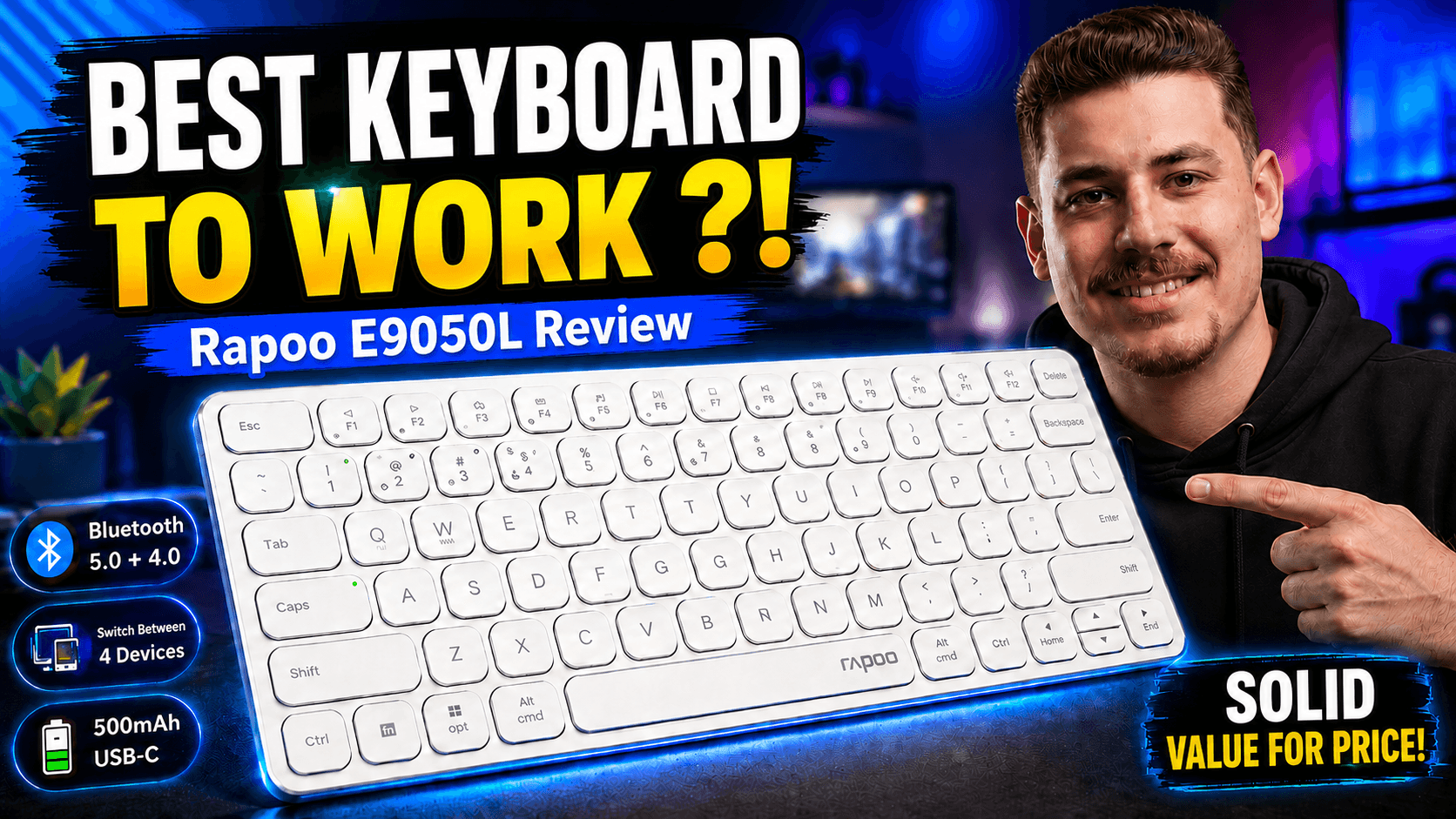
A great keyboard is one of those tools you touch every single day, yet most people never think carefully about which one they use. If you work long hours, write code, or simply want a clean and comfortable desk setup, the keyboard matters just as much as the screen or the chair. In this review I take a close look at the Rapoo E9050L, a slim wireless keyboard aimed at people who want a quiet, comfortable, and reliable typing experience for work and programming.
The video below is my full hands-on review and unboxing, covering the build quality, the typing feel, connectivity, and battery life. If you prefer to watch rather than read, start here, then use the sections underneath as a written reference you can come back to.
Unboxing: what is in the box
The Rapoo E9050L arrives in simple, tidy packaging that matches its no-nonsense personality. Inside you get the keyboard itself, the wireless receiver, and the basic documentation you need to get started. There is nothing flashy here, and that is a good thing — the focus is clearly on the product rather than the box. Within a minute of opening it, you can have the keyboard on your desk and ready to pair.
First impressions matter, and the E9050L feels immediately familiar. It uses a full, comfortable layout so you are not forced to relearn where keys live, and it is light enough to move around your desk or slip into a bag without a second thought.
Build quality and slim design
The headline feature of the E9050L is how thin it is. This is an ultra-slim keyboard, and that low profile does two things at once: it looks clean and modern on any desk, and it keeps your wrists in a more natural, relaxed position while typing. If you have ever finished a long day with tired wrists from a tall, chunky keyboard, the difference a slim board makes is noticeable.
Despite the thin frame, the build feels solid rather than hollow. There is no distracting flex when you type normally, the keys sit flush and even, and the overall finish looks more premium than the price would suggest. It is the kind of keyboard that quietly fits into a professional setup without drawing attention to itself.
The typing experience
Typing is where a keyboard earns its place, and the E9050L does well here for its category. The keys have a short, low-profile travel similar to a laptop keyboard, which many people find fast and comfortable once they adjust. Keystrokes are quiet, so you can type in a shared room, a quiet office, or late at night without bothering anyone around you.
For programming and long writing sessions, the layout stays predictable and the keys are well spaced, which helps reduce typos. It is not a mechanical keyboard, so if you crave loud, clicky switches this is not that experience — but for a smooth, silent, and efficient typing feel, it hits the mark. After a short adjustment period, most people can type at full speed comfortably.
Connectivity and setup
Setup is refreshingly simple. You connect the keyboard wirelessly and it pairs quickly, so there is very little friction between unboxing and actually using it. Going wireless also cleans up your desk by removing one more cable, which fits perfectly with the minimalist look of the keyboard itself.
In daily use the connection stays stable, with no noticeable lag while typing or coding. For an everyday work-and-programming keyboard, reliable wireless performance is exactly what you want: you connect once, and then you simply forget about it and get on with your work.
Battery and charging
Battery life is a strong point for a keyboard like this. Because a slim wireless board is designed to be efficient, you are not constantly worrying about power, and topping it up or swapping power is quick and painless (the video walks through exactly how the battery and charging work). For most users, this means weeks of normal use between charges rather than a daily chore.
The practical benefit is peace of mind. A keyboard that rarely needs attention is a keyboard you actually enjoy using, and the E9050L is built to stay out of your way so you can focus on the task in front of you.
Performance in daily use
After using the E9050L for everyday work, a few things stand out. It is comfortable for long sessions, it is quiet enough for any environment, and it is stable and dependable once connected. Whether you are answering emails, writing documents, or spending hours in a code editor, it simply gets the job done without complaints.
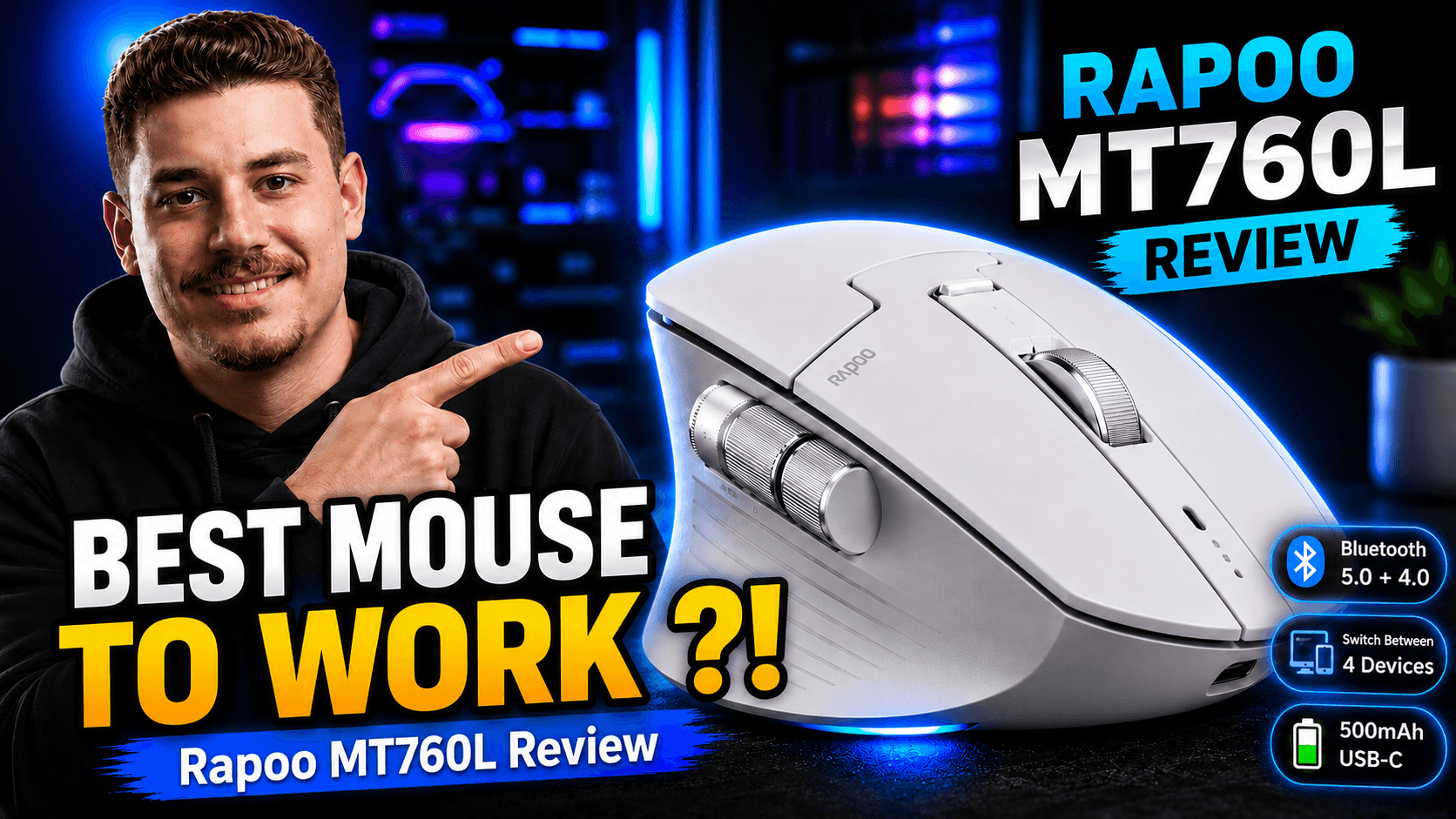
It also pairs beautifully with a good mouse for a complete, tidy desk setup. If you want a matching pointing device, take a look at my Rapoo MT760L review, which covers a productivity wireless mouse from the same brand that works well alongside this keyboard.
Pros and cons
Here is a quick summary of what I liked and what to keep in mind before buying:
What I liked
- Ultra-slim, modern design that looks great on any desk
- Quiet, comfortable low-profile keys
- Simple wireless setup with a stable connection
- Long battery life that stays out of your way
- Solid build quality for the price
Things to keep in mind
- Low-profile keys are not for everyone — fans of tall mechanical switches may miss the deep travel
- It is built for comfort and quiet, not for gaming-style feedback
- As with any wireless device, keep the receiver handy so you do not misplace it
Who should buy the Rapoo E9050L?
This keyboard is a great match for office workers, developers, students, and anyone who spends a lot of time typing and wants a clean, quiet, comfortable setup. If you value a minimal desk, silent keystrokes, and a keyboard you can set up once and forget, the E9050L fits perfectly.
On the other hand, if you specifically want a loud mechanical keyboard with tall keys and heavy tactile feedback, this is not designed for that. It is aimed at comfort, quietness, and everyday productivity rather than gaming or enthusiast typing.
Final verdict: is it worth buying?
Taken as a whole, the Rapoo E9050L is an easy keyboard to recommend for work and programming. It nails the fundamentals: a comfortable slim design, quiet and accurate typing, effortless wireless connectivity, and battery life you do not have to think about. For the price, it delivers a clean and professional experience that punches above its weight.
If you want a reliable everyday keyboard that looks good, feels good, and simply works, the E9050L is well worth the money. Watch the full review above to see it in action, and pair it with a good wireless mouse for a complete, distraction-free desk setup.
Tips to get the most out of your keyboard
To keep the E9050L feeling new, a little care goes a long way. Give the keys a quick wipe every week or two to stop dust and crumbs from building up between them, since a slim keyboard shows debris more easily than a tall one. If you travel with it, keep the wireless receiver in a safe, consistent spot so it never gets lost, and consider a simple sleeve to protect the slim frame inside your bag.
It also helps to think about your desk ergonomics. Because the keyboard sits so low, you may find it most comfortable at a desk height where your forearms stay roughly parallel to the floor. Pair it with a supportive chair and a mouse at the same level, and you have a setup that stays comfortable through long work or coding sessions without straining your wrists. Small adjustments like these turn a good keyboard into one you genuinely look forward to using every day.
Frequently Asked Questions
Is the Rapoo E9050L good for programming?
Yes. Its comfortable low-profile keys, quiet typing, and stable wireless connection make it a solid choice for long coding sessions and everyday development work.
Is it a mechanical keyboard?
No. It uses slim, low-profile keys similar to a laptop keyboard rather than tall mechanical switches, which keeps it quiet and comfortable but without the clicky feedback some enthusiasts prefer.
How is the battery life?
Battery life is a strong point. The keyboard is designed to be efficient, so you can go a long time between charges. The video shows exactly how the battery and charging work.
Is it easy to connect?
Very. It pairs wirelessly in seconds, and once connected it stays stable, so you can set it up once and simply keep working.
Does it work well with a mouse?
Yes. It makes a clean, tidy combo with a wireless mouse. I recommend checking out my Rapoo MT760L mouse review for a matching productivity setup.
Conclusion
The Rapoo E9050L proves that a keyboard does not need to be loud or expensive to be genuinely great for daily work. It focuses on the things that matter most — comfort, quietness, reliability, and a clean design — and delivers them at a price that makes it an easy recommendation. If you are upgrading your desk for work or programming, this slim wireless keyboard deserves a spot on your shortlist.